
01 / Generated cover
How to turn a saved spot into a six-slide post
Cover copy sets the destination, then the body slides carry the detail.
Generated
Upload photos and screenshots, paste rough notes or generate copy, and let carousel.build create the cover, body slides, proof blocks, and CTA with consistent layout.
Cover copy sets the destination, then the body slides carry the detail.
Active slide
1/6
Stage
Cover
Auto-place
Ready
Rough notes converted into slide structure.
Cover slide examples
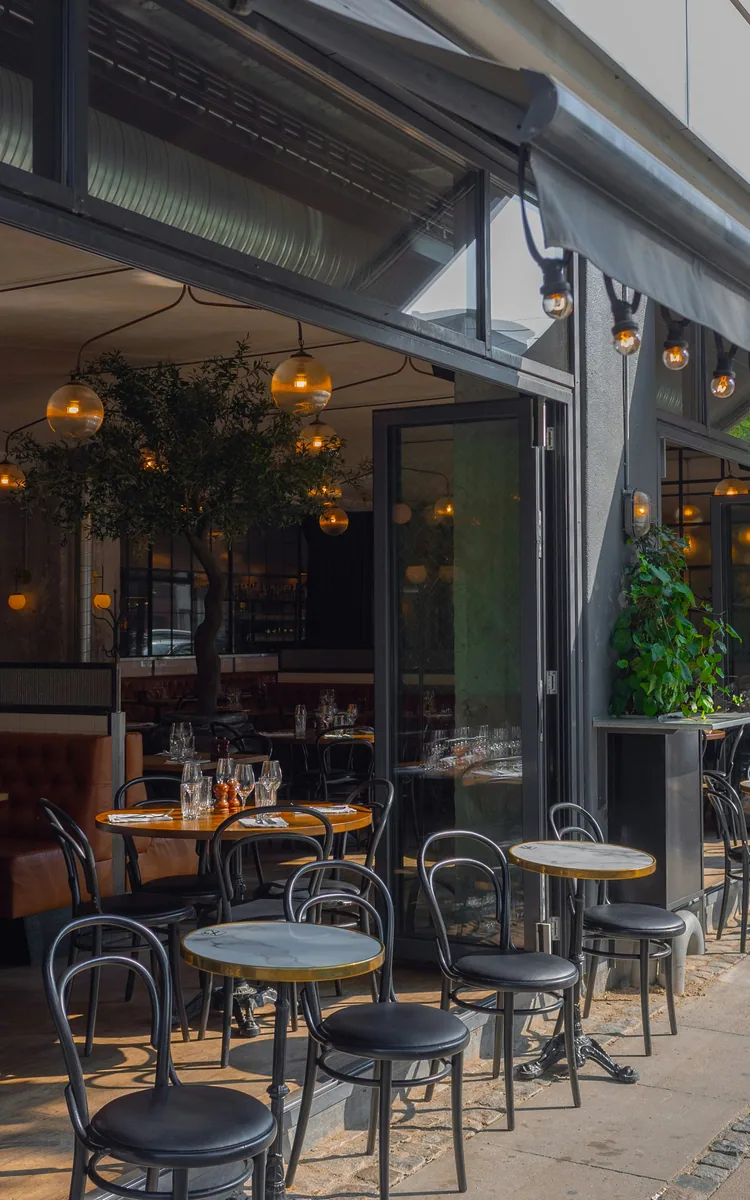
These first-slide treatments pair real source images with short, readable hooks. The automation layer handles the body slides that follow, with cover styles adapted to the post and source image.

Small moments can still lead the story.
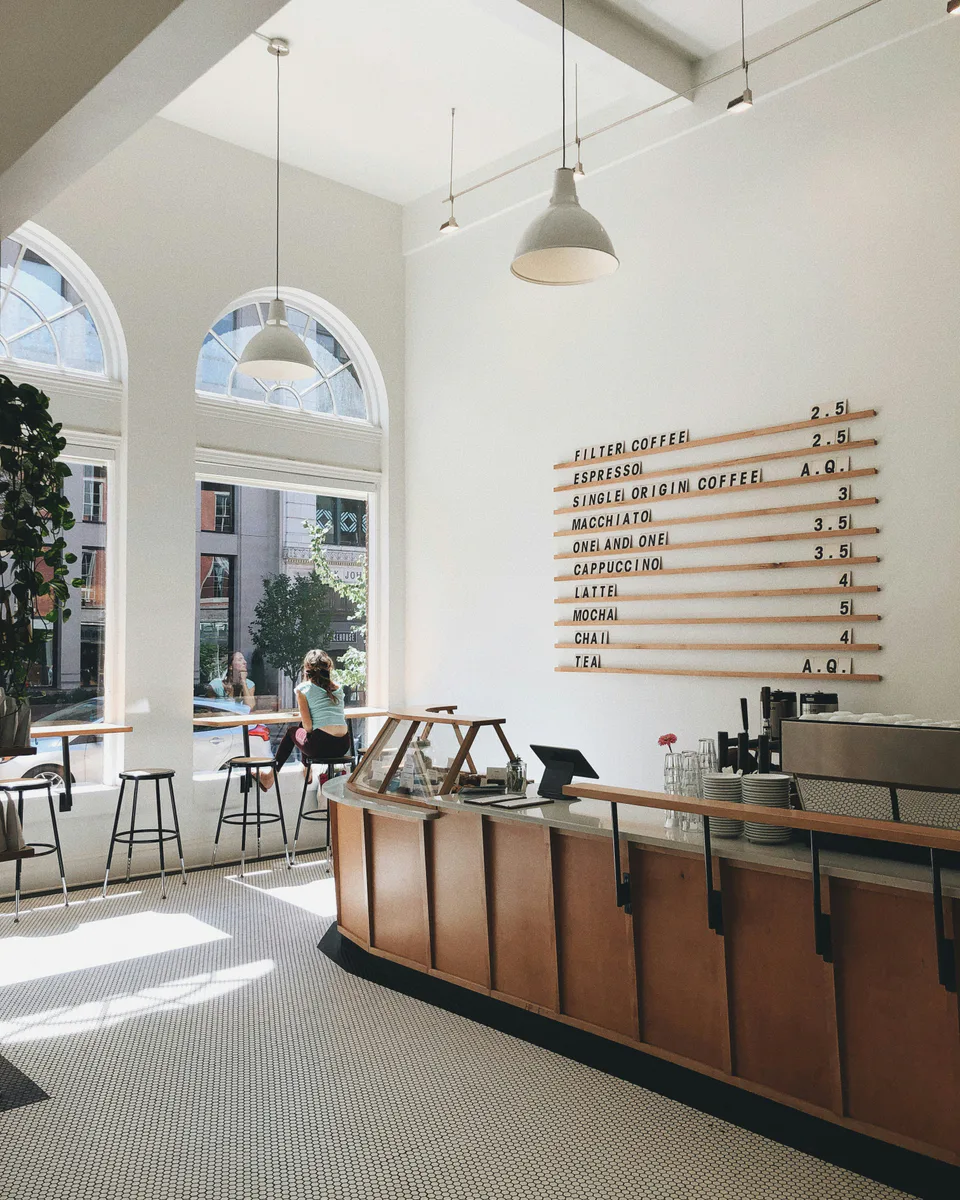
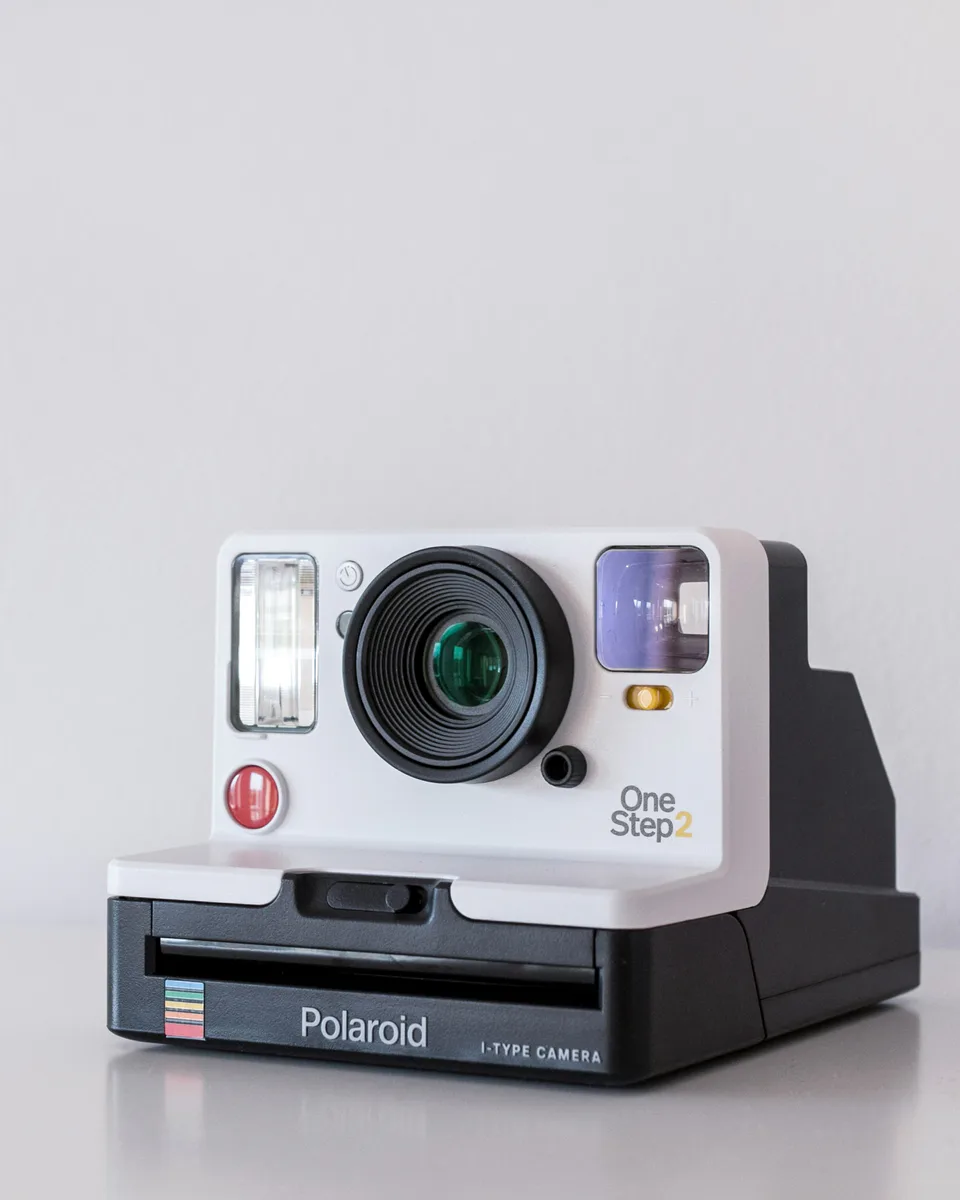
Hook placed in open space.
Carousel automation
Drop in a messy idea and get a full, readable sequence back: cover, slide beats, proof blocks, recap, and CTA.
Cover copy sets the destination, then the body slides carry the detail.

Start with the hook
Add the proof point
End with a next step

Move long lines away from the subject
Keep the repeatable visual system
Screenshot, quote, stat, or link preview
Source table
Name the scene
Keep the counter clear
Summarize the promise
Tell readers what to do next
Turn messy source copy into a cover, body slides, proof slide, and CTA.
Place headings, supporting points, and callouts across the same image.
Keep type away from faces, products, screenshots, and busy image regions.
Carry type scale, contrast treatment, and spacing through every slide.
Upload source photos, screenshots, and rough notes.
Turn the idea into a cover, body beats, proof, and CTA.
Fit every text block around subjects, contrast, and safe zones.
Download a consistent 4:5 carousel for the feed.
The system scores safe areas, line length, contrast, and subject proximity before placing each text block.
Find open space before placing copy.
Balance box shape, font size, and line breaks.
Carry visual rhythm across the full sequence.
82% line width used, with no subject collision.
Open with the detail.
Make the first slide earn the swipe.
Turn the setup into the story.
Overlay selected for image brightness and text density.
Camera roll, product shots, screenshots, founder photos, or campaign assets.
Curated stock options for posts that need a cleaner visual direction.
Ready for the editor